

AI is moving into everyday software in a more practical, less flashy way. In workplace tools, that means chat assistants that can summarise channels, draft messages, pull together meeting notes and find files faster. In online security, it means more attention to bot detection, access rights, and whether a system should trust what it sees.
Slack’s latest AI features clearly show the workplace side of that shift. The company is adding tools designed to help people keep up with busy channels, search across shared information and get quicker answers without leaving the app. The aim is not to replace the workplace chat window, but to make it more useful as a workspace.
What Slack is adding
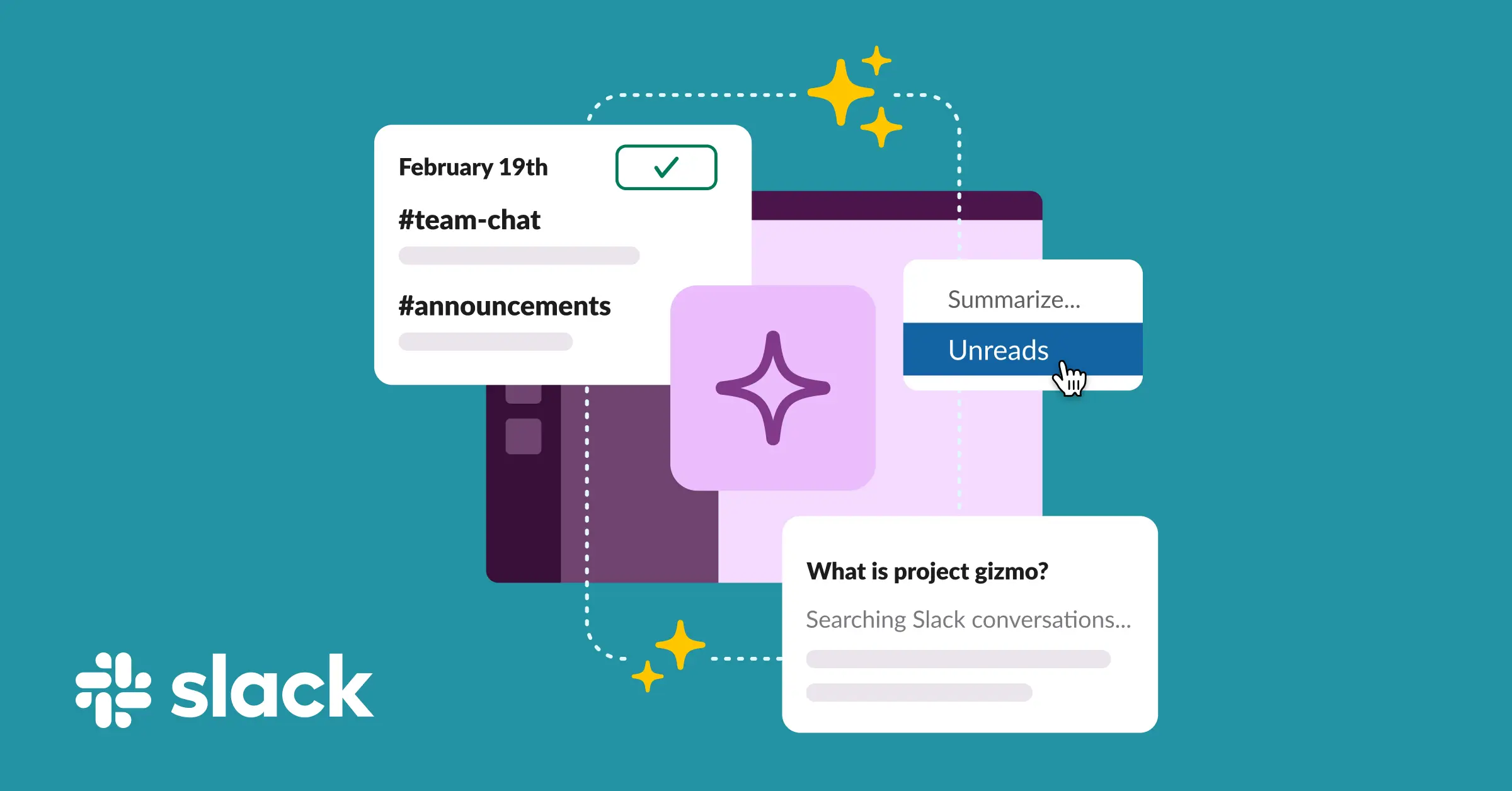
Slack’s product page highlights several AI features for organisations. These include an intelligent briefing called Today, personalised help through Slackbot, AI summaries of channels, advanced search across shared Slack data, and support for tasks such as meeting notes and translation.
Slack says the tools are built to work within a secure framework that protects customer data. That matters because these features do more than autocomplete a sentence. They can access messages, files, and workflow information already stored in the workspace, which makes permissions and data handling central to their use.
The company also describes Slackbot as an AI assistant for work. In its video explainer, Slack says the upgraded Slackbot can help users search for information, prepare for meetings, catch up on missed conversations and find files. It is designed to use secure access to apps and conversations, rather than act as a separate tool outside the workspace.
Why businesses are adopting it
The appeal is easy to see for busy teams. A worker returning from a day of meetings can ask for a summary of what happened in a channel. Someone preparing for a call can pull together relevant messages and files more quickly. A manager can ask for a briefing instead of scrolling through dozens of posts.
That kind of automation is attractive because it reduces routine work. Instead of asking staff to sift through long message histories or repeat the same questions, the software can surface the relevant point for organisations, which can mean less time lost to admin and more time spent on decisions and follow-up.
Slack’s material also points to a broader shift in enterprise software. Rather than asking workers to adopt a separate AI app, companies are building AI into the tools people already use. That makes the feature easier to try, and often easier to keep using.
How Slackbot is changing the workflow
The newer version of Slackbot is presented less as a simple help bot and more as a personal assistant inside the workplace. According to Slack, it can draw on chat histories and third-party app data to answer questions and help with work tasks.
That matters because the value of an AI assistant depends on context. A generic chatbot can answer broad questions, but a work assistant is more useful when it can find the right file, conversation, or meeting details without requiring users to search manually.
The practical result is a shift from search and recall to workflow automation. Instead of opening several apps, staff can ask for a summary, a draft or a pointer to the right information from within Slack itself.
What is still limited
The same features that make AI useful also create limits. The outputs depend on what the system can access, what a user is allowed to see and how well the model interprets the request. If permissions are too narrow, the assistant may miss useful context. If they are too broad, businesses need confidence that access is being handled correctly.
That is why secure access and user rights matter so much in this category. Slack says its AI tools work within customer data protections and user permissions. For businesses, that is not a side issue. It is the condition that makes workplace AI usable in the first place.
There is also a practical boundary to what these tools can do. They can summarise, search, and draft, but they still depend on the quality of the underlying information. If the original messages are unclear, the answer may be too.
Where bot detection fits in
The other side of this trend is security. As more systems rely on automated access, businesses pay closer attention to whether traffic or activity is genuinely human. Bot detection is the broad term for that process.
In practice, bot detection can include checks on behaviour, repeated requests, unusual patterns of use, and whether a session appears to be from a normal user rather than automated software. Businesses use those checks to help protect logins, sign-ups, messaging systems and other online workflows from abuse.
This is not the same as workplace AI assistants, but the two trends are linked. As software becomes more automated, companies need better controls over who or what is interacting with it. The result is a growing emphasis on verification, permissions and monitoring, alongside productivity features.
Why this matters
For businesses, these tools are becoming part of the standard software stack rather than optional extras. Slack is positioning AI to reduce friction in everyday communication, while keeping the system within enterprise guardrails. That combination is what many employers want: faster work, but within managed access.
For everyday users, the changes are more modest but still useful. A good AI assistant can save time, reduce inbox-style clutter in chat, and make it easier to return to a conversation after time away. On the security side, stronger bot detection should help reduce spam, abuse, and automated misuse across more online services.
The larger pattern is that AI is being folded into familiar tools in a way that feels incremental rather than dramatic. The big promise is not a sudden transformation of work. It is the slow removal of repetitive tasks from the day.
| Tool area | What the AI or security feature does | Why it matters |
|---|---|---|
| Slack AI | Summarises channels, helps find information, drafts content and supports translation | Reduces routine admin and speeds up catch-up work |
| Slackbot | Acts as a personal AI assistant for work tasks, meetings and search | Brings help into the place where teams already collaborate |
| Bot detection | Checks for automated or suspicious activity using behavioural and traffic signals | Helps protect services from spam, abuse and fake activity |
What businesses should watch next
For now, the key questions are practical ones. Who can use the new AI features? What data can they see? How are permissions set? And how much of the workflow can be automated without losing accuracy or control?
Those questions will matter as AI features spread from chat tools into more of the software stack. The products that win business adoption are likely to be those that are helpful without being intrusive and secure without being difficult to use.
Frequently Asked Questions
What new AI features are Slack rolling out?
Slack says it is adding features such as Today, AI summaries of channels, advanced search across shared data, help with meeting notes and translation, and personalised assistance through Slackbot.
How can AI tools in Slack help a workplace?
They can save time by summarising long conversations, helping users catch up on missed messages, finding files, preparing for meetings and drafting content from message threads.
Why are businesses interested in Slack’s AI assistant?
Because the tools are built into software that many teams already use, it’s easier to automate routine work without asking staff to switch to a separate app.
What is bot detection, and why does it matter?
Bot detection is the process of spotting automated or suspicious activity online. Businesses use it to help protect logins, sign-ups and other services from abuse, spam and fake traffic.
What limits remain for workplace AI tools?
The main limits are permissions, data quality and trust. Slack says its tools operate within the bounds of customer data protection and user access rights. However, the output still depends on what information the system can access and how clearly that information is written.